Here is the graphic:

- You use two circles, one for the whole stone and one white "highlight" circle for the shadow, about 3/5 of the stone's diameter.
- You set the highlight circle to ~15% opacity for the black stone and 100% opacity for the white stone.
- Optionally, you can set a gradient with three stops to color the whole stone, with either end having a lighter color.
- Finally, you add a blurred drop shadow set at some distance from the stone.
- The shadow for the white stone should be redder and lighter than that for the black stone.
I would encourage people to try coding this in javascript, especially for an existing applet like WGo.js. Hope this is interesting to you!
Please share other ways of making pretty stones, with a graphical demo if possible.
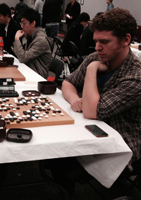
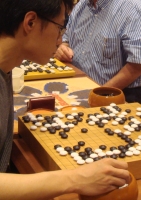
EDIT NOTE: It's also important to have a very slight ring of dark black around the edge of the black stones, representing the beginning of the rounded edge of the biconvex stone. The same goes for white stones, with a white ring. See this picture.




 )
)




 pegs. Highlight & shadow. Light source = upper left.