oren wrote:http://www.kiseidodigital.com/GW045.pdf
This should help.
Also let me know how gobandroid looks. I need to really spend the time for features.
Thanks for the link (that's actually what I kept turning up last night, but it wasn't working--luckily it finally was today).
Here's just a basic shot of a new board on gobandroid. Was there anything in particular you would want to see?
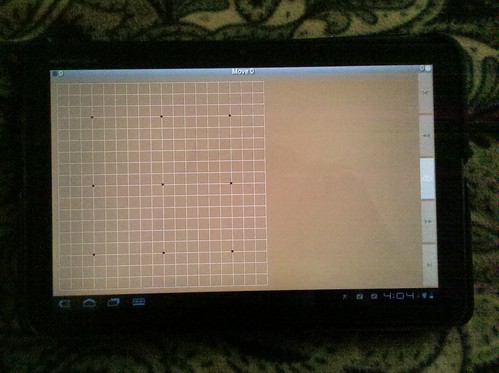 IMG_20110412_160503
 by
Loco Ron, on Flickr
(Oh man, I just installed the skin packs... should have done that before taking the picture

)
Redbeard:
Here's a shot of the cover of the sample issue of Go World.
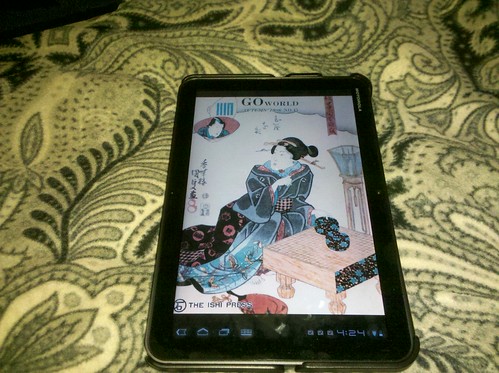 IMG_20110412_162441
 by
Loco Ron, on Flickr
Personally, I think it looks really good. The diagrams and text in the issue were also very readable. I'm loving using the Xoom as an ereader (I was reading comics on during transit to and from school).
wms wrote:Glad to see the KGS client works.

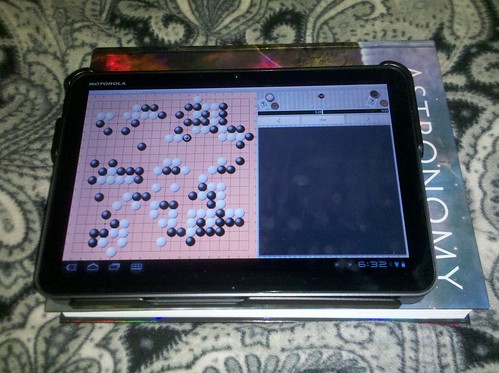
When the Xoom was announced, I made the code changes to put game chat on the same screen as the board (on a phone the game chat is accessible through a button that opens a popup window in front of the game instead). But the emulator runs unbearably slow so I wasn't able to do anything more, so the GUI looks pretty awkward as you can see.
Edit: Wait...where is the text input field to enter your own chat? I think I may have forgotten that on the tablet GUI. Oops.

From the picture I posted, I think the layout is pretty good. The board is large enough that coordinates can easily be selected easily and accurately without weird workarounds (and this holds true for all the Go apps I've tried so far), and the chat box is a nice size. The awkward part is when I press the chat button. Then, a chat overlay opens above the board (the same as when used on a phone), but then the virtual keyboard pops up, thus pushing the top half of the chat window off the screen. Other than that, it's a lot closer to the desktop client, which I think is a huge bonus.